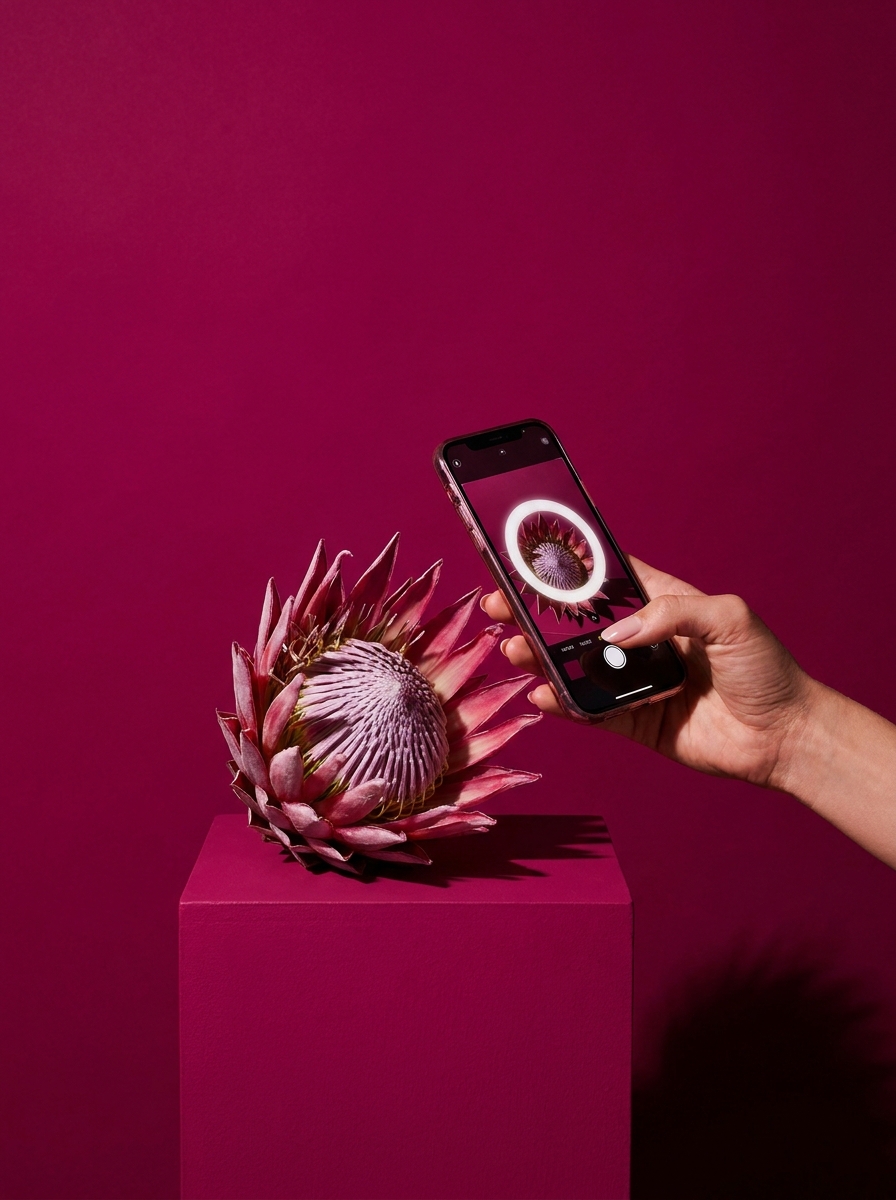
You don't need an expensive studio. With your phone and 3 simple rules, your photos will look professional.
"I need a professional photographer to shoot my products." It's one of the things we hear most often from business owners. The truth? In most cases, your phone is enough. A smartphone from 2024 or later takes photos at a high enough resolution for every platform.
The 3 basic rules
Rule 1: Natural light only
Forget the flash. Natural light from a window is the best tool there is. Place the product next to a window (not in direct sunlight), with the light coming from the side. Side light creates soft shadows that give the product depth and dimension.
Pro tip: shoot in the morning (8 to 11 a.m.) or in the afternoon (2 to 4 p.m.). Midday light is too strong.
Rule 2: A clean, simple background
Buy a large sheet of white paper or poster board (a dollar or two at any craft or office supply store). Bend it into an "L" shape to create a smooth background with no line. Put the product on it, and you've got a "home studio" for a couple of dollars.
Alternatives: a white cloth, a piece of cardboard or even a clean white table. The main thing: a uniform background with no distractions.
Rule 3: Stability and focus
Hold the phone steady (two hands, elbows tucked against your body). Tap the product on the screen to lock focus. If you have a phone tripod (about $10-15), even better.
Recommended angles by category
- Food: From above (flat lay), at 90 degrees - Clothing: On a hanger against a white wall or folded, at 0 degrees - Skincare/cosmetics: 45 degrees from the side - Jewelry: 30 degrees with a soft background - Electronics: 45 degrees with a slight tilt - Gifts/packaging: 45 degrees or flat lay
Common mistakes
1. Using the flash: it creates harsh, unnatural shadows 2. A busy background: it distracts from the product 3. A blurry photo: always lock focus 4. Filters: the AI needs natural colors 5. Cropping the product: leave some margin around it
From photo to ad
Once you've taken the photo, upload it to Felora and choose "Product ads." The AI will create 3 professional versions: a studio background, perfect lighting and marketing copy. From a phone snapshot at home to a studio-quality ad.